
Vectorworks tools
VideoScreen 4

The cost of VideoScreen 4 is $142.00
What's Included:
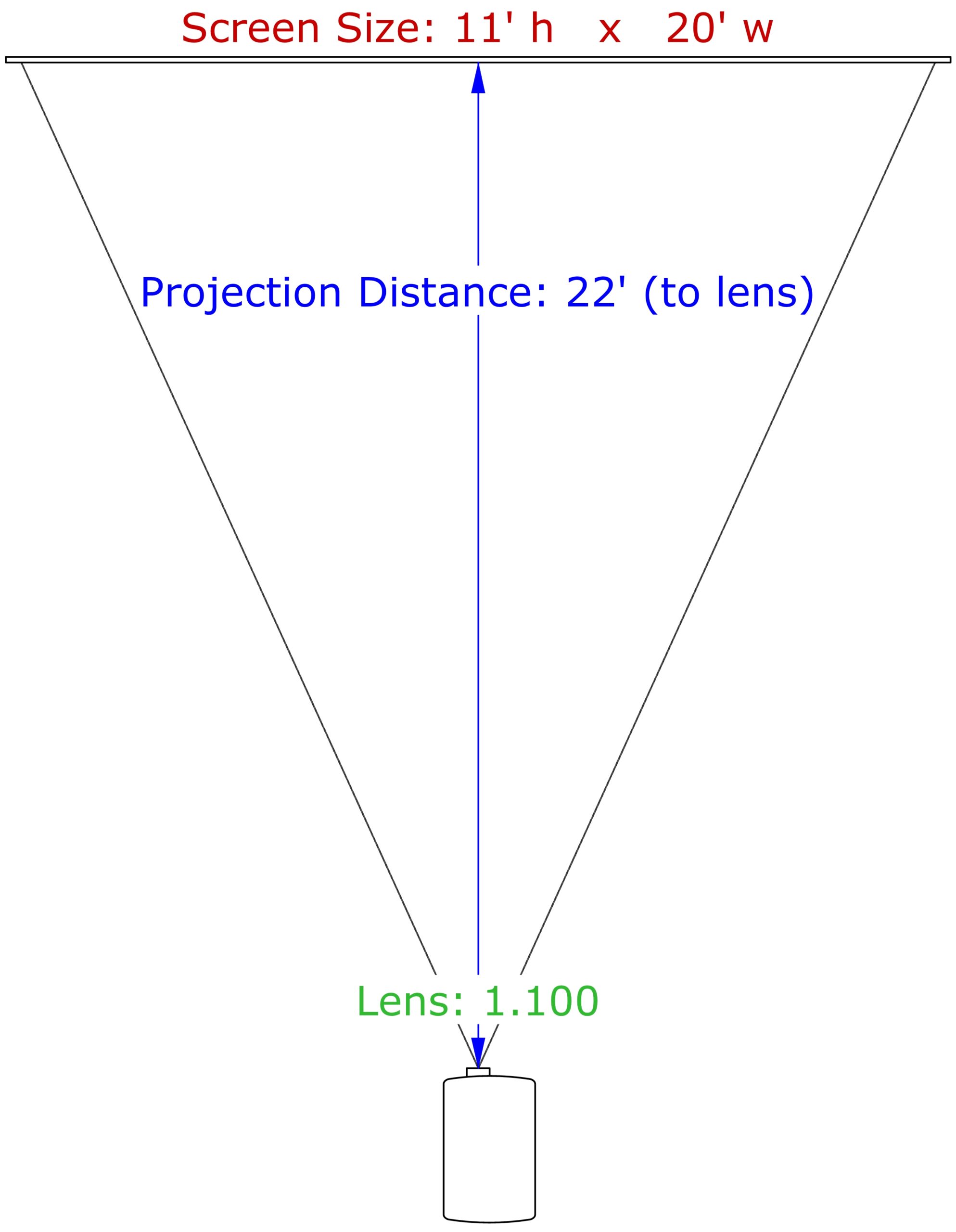
VS4-Projection — Insert rectangular or round projection screens, front or rear. Sizes are fully customizable, from common aspect ratios to 100% custom dimensions. Create folding or tripod legs, screen dress kits with adjustable softgoods, and multiple projector placement options, including flown, floor-mounted, or aligned with the screen. VS4-Projection can also suggest a lens based on screen size and projection distance, or calculate placement from a known lens rating.
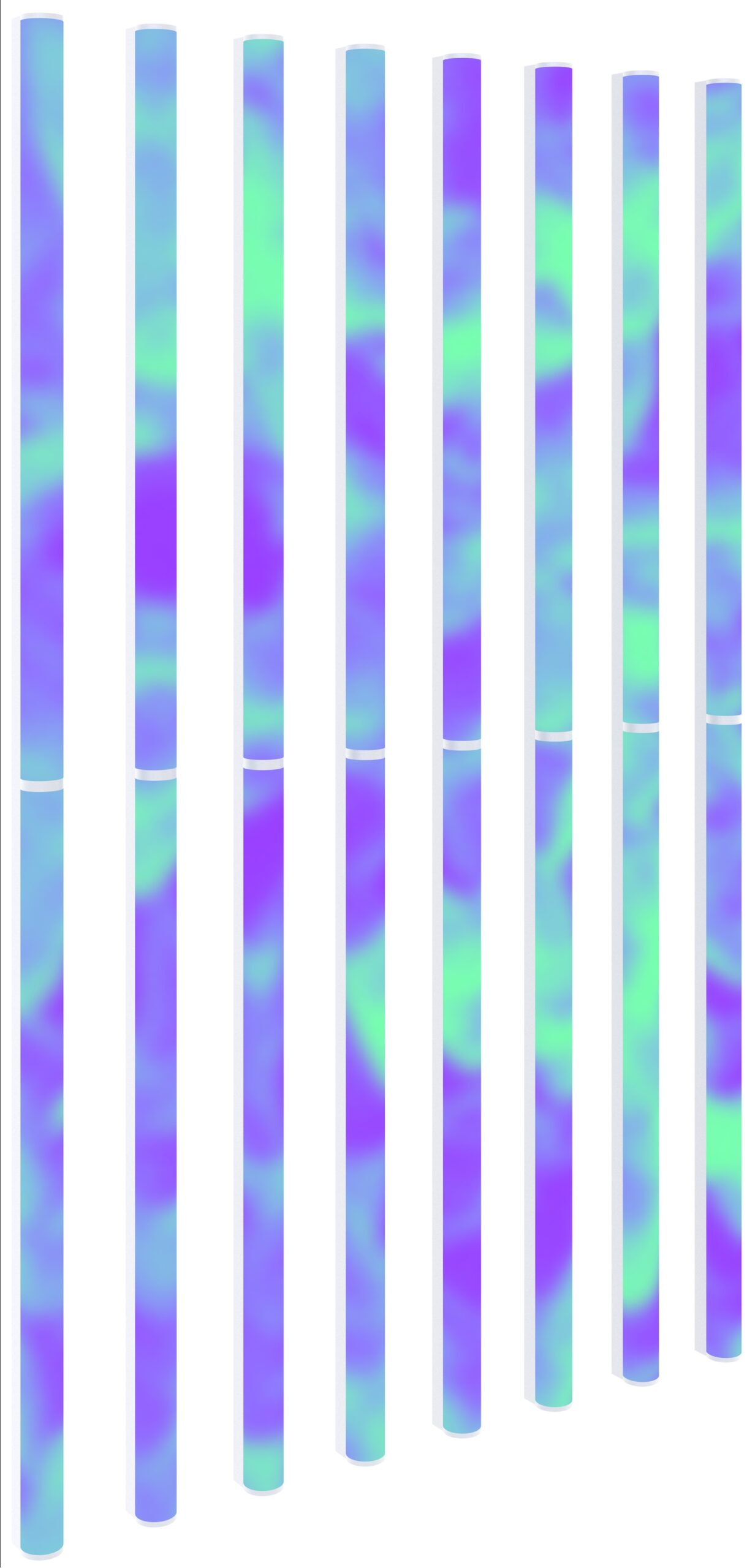
VS4-LED — Insert LED array models, including panels, VersaTube®, ColourWeb®, SoftLED®, and MiPix®. Build arrays from flat tiles, tubes, domes, and capped disks, with automatic image mapping that accounts for module spacing. Mitered edges create seamless curved arrays, and array weight and wattage update automatically as your configuration changes.
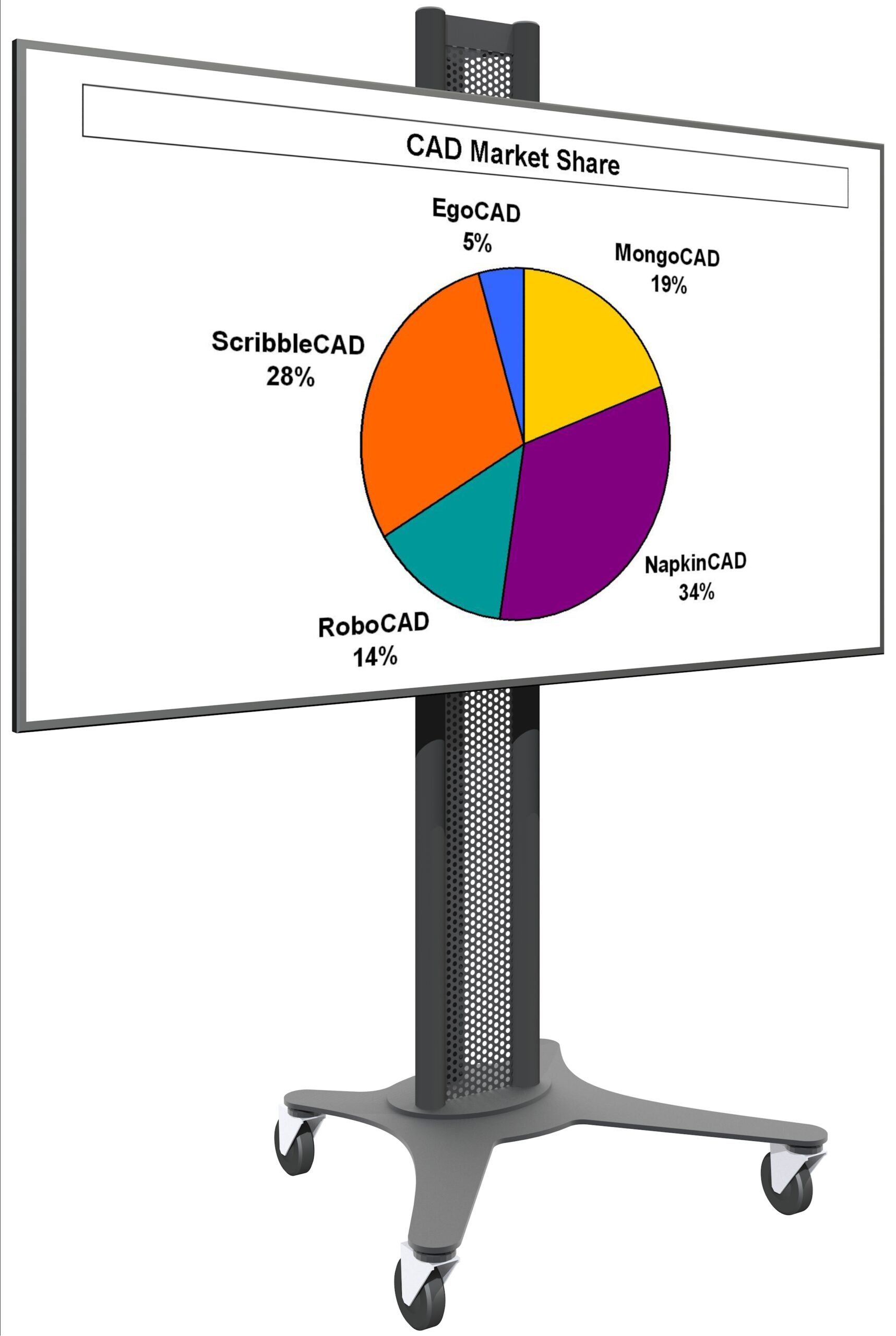
VS4-Television — Insert models of plasmas, LCDs, and CRTs, including several stock models with the option to add your own custom ones. Place TVs in portrait or landscape orientation, and tilt them on the fly for kiosks, DSMs, and other custom builds.
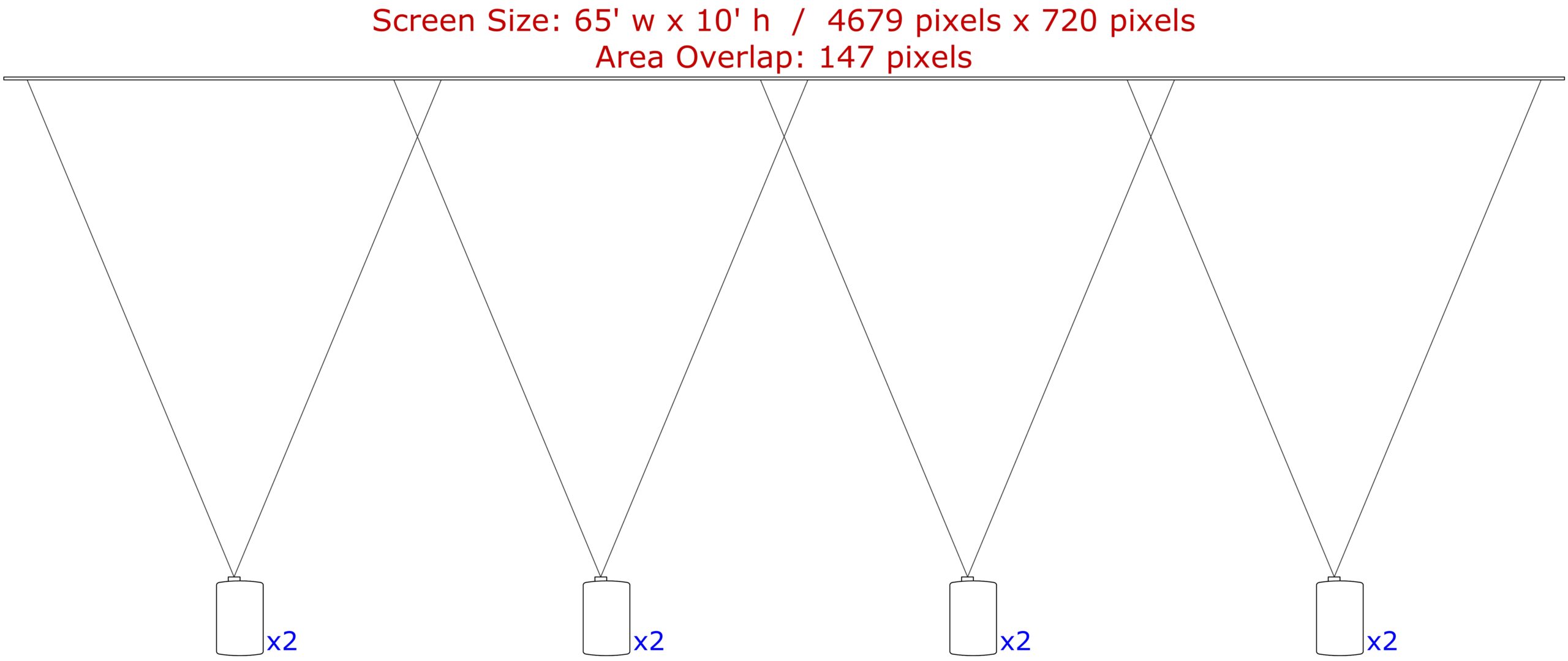
VS4-Blended Screen — Builds on VS4-Projection to create edge-blended projection setups, flat or curved. Automatically calculates projector spacing and image overlap, with adjustable blending regions. Projectors (VS4-Blended Projector) move independently as child objects, so when you drag, rotate, or update the screen, the projectors move right along with it.
Resources
Download the VideoScreen 4 Manual for full details on these and other features. You can also watch this video to see how easy it is to create custom televisions, projectors, and projector stands.
System Requirements
VideoScreen 4 works with Windows and Mac Vectorworks® 2024 or newer, including 2027. Please confirm compatibility before purchasing, refunds are not issued for version incompatibility.
Upgrading from a Previous Version
VideoScreen 4 version 5.21 is available free of charge to users who purchased a previous-version license on or after September 16, 2025. If you qualify, contact us for download information, you'll need to provide the last six characters of your Vectorworks® serial number. All other users can find upgrade pricing below.
How to Purchase
- Choose your license.
- Enter the last six characters of your Vectorworks® serial number.
- Click the Add to Cart to complete your purchase.
What happens next: When you pay by credit card or direct deposit, you'll receive an email within one business day with a link to your download page, a password, and your license key.
Please note: eChecks take 3 to 4 business days to clear.
Feedback From VideoScreen Users